
Step 1
Start your library
Create an account and subscribe. Your library is ready in a few minutes. Then open it and create your login.
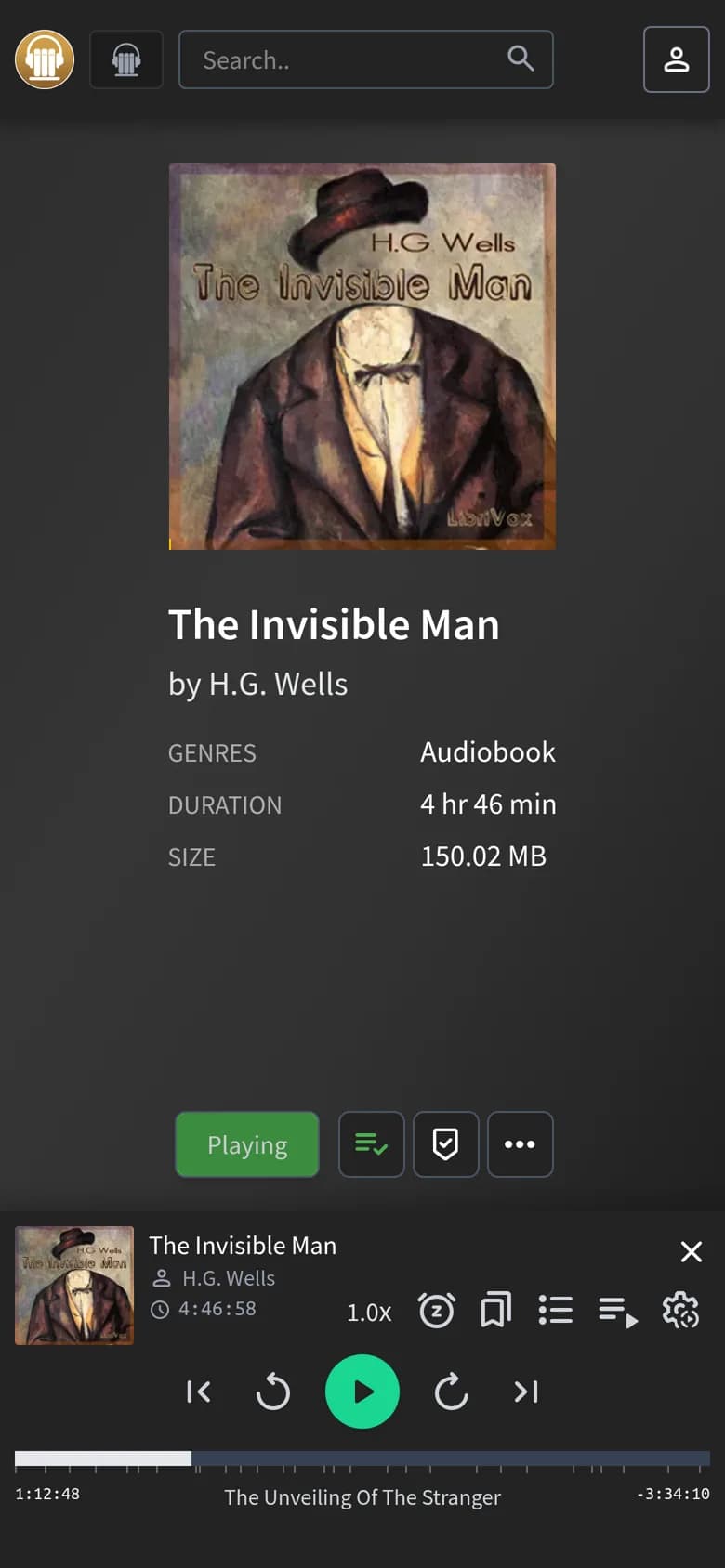
Start your libraryPress play and you're right back where you left off.
Step 1
Create an account and subscribe. Your library is ready in a few minutes. Then open it and create your login.
Start your libraryStep 2
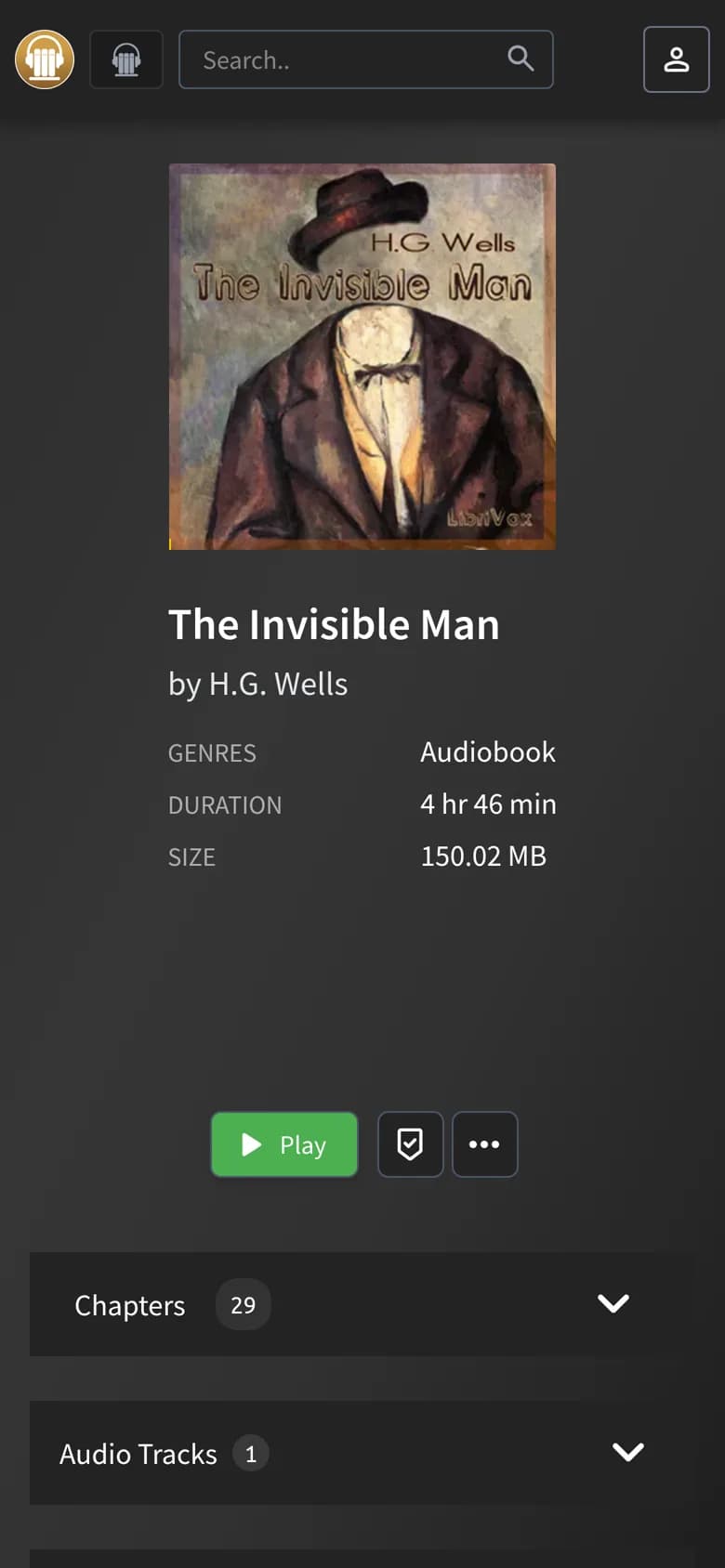
Add your first library, then drag your files in, right in the browser. They show up in your library.
Step 3
Open your library in the browser, or sign in to it from an Audiobookshelf app on Android or iPhone. Your place follows you.
Player app
Your own library
Bring your own audiobook files. This is not an audiobook store.
I built this for myself first. I had audiobooks exported from different Audible accounts, plus some I'd made with .
What I really wanted was the Audible experience for all of them: one library, and the app remembers where I left off. What I had was a lot of copying files to my phone and back.
Then I came across Audiobookshelf, which is pretty much exactly that. The catch is that you need your own server to run it.
As a software engineer, I didn't mind. But most people don't want to run a server just to listen to their books, so I started offering it to others.